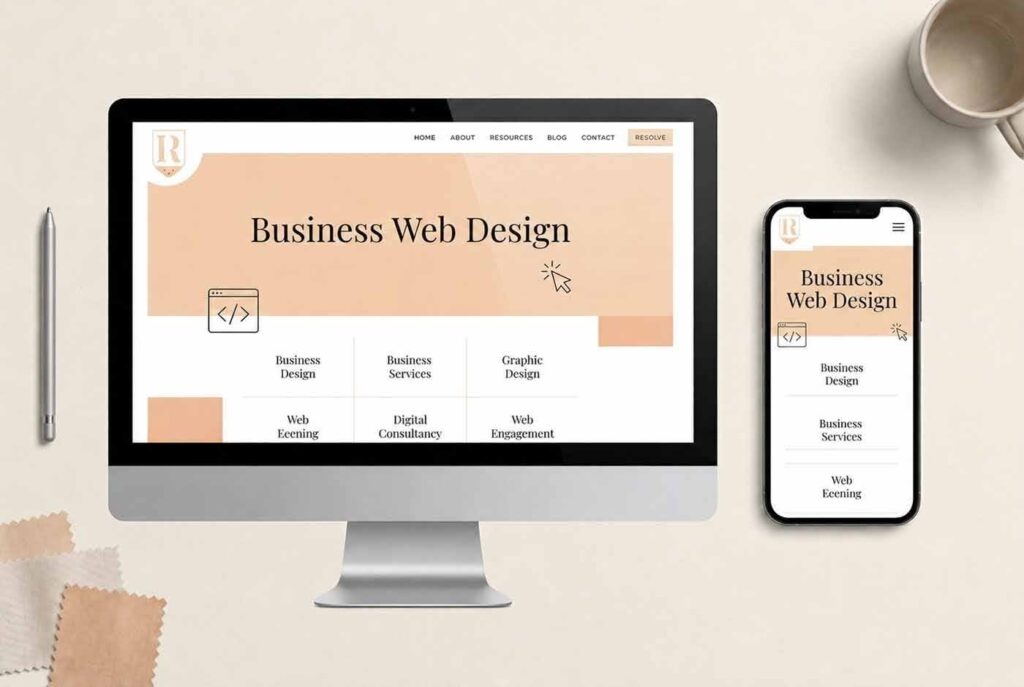
What Is Business Web Design and Why Does It Matter for Conversions?
Web design for businesses involves the intelligent planning and execution of designing and building a website that is visually appealing, speedy, and drives visitors to take the desired action, from scheduling a call, buying something, filling out a contact form, to subscribing for something. As opposed to designing a personal blog or other similar projects, business web design combines brand identity, user experience, and conversion rate optimization in one integrated package designed to make money, not to attract page views.
This helps a lot in distinguishing between two approaches and thus helps a business owner to avoid spending additional resources on redesigning their website later. Also, it answers the question of why an expensive theme and a website built from scratch look pretty much the same in a screenshot, but deliver entirely different results when traffic comes on board.
The Core Building Blocks That Make a Website Actually Convert
Each website that consistently converts its visitors into customers operates with the same structural framework, independent of industry sector:
- A high-converting professional website layout with calls to action placed where users naturally look
- Fast-loading optimized page speeds that keep impatient visitors from bouncing before the page even renders
- A tailored, user-friendly interface built around how your actual customers browse and buy, not a generic user
- Search Engine Optimization (SEO) baked into the code and content structure from day one
- A well-defined website design concept aligned with your branding guidelines in terms of color palette and photography
Miss any one of these and the rest of the site has to work harder to compensate.
Why Do Custom Websites Outperform Templates for Business Web Design?
While templates are fast and affordable, they are universal in nature and hence not optimized for anyone specific. A small business website built on a pre-existing theme will be full of excess code, standard navigational principles and design solutions already implemented by your competitors who purchased the same theme.
The problem is tangible enough that business owners look for alternative solutions. The recent thread on Reddit proves the point – the company founder is seeking a developer to build a visually distinctive custom site that can showcase the unique identity of the brand. And the desire to have a truly unique web solution is justified. After all, templates do not usually consider users’ experience journey, and when all CTAs, layouts and color schemes come from a theme file, differentiation becomes almost impossible.
How Custom Development Solves What Templates Can’t
- Lightweight code designed to run your business vs bloated theme files carrying functionality you won’t even use
- CMS adjusted to manage your exact types of content rather than a standard all-in-one admin area
- Room to add e-commerce integration, booking tools, or gated content without fighting plugin conflicts
- Control over technical SEO aspects (headings structure, schema and page speed) is blocked off in templates
If you want the full picture of what a professional build actually includes, our breakdown of custom web development services and what you really get covers the technical side in detail.
Ready to see what a custom site could do for your business?
How Do You Build a High-Converting Business Website Step-by-Step?
The process of creating your first website is not so daunting if you divide it into a definite sequence of actions. All successful business launches go through similar stages regardless of whether it’s their first website ever or a complete redesign of the old one.
The Website Build Process, Step by Step
- Audit your goals and audience — define what a “conversion” actually means for your business before any design work starts.
- Select a CMS suitable for the level of tech proficiency of your team and amount of content.
- Construct a customer journey map page by page from the homepage to the conversion point.
- Create an interface design based on your unique user experience considerations, focusing on mobile layouts first.
- Write conversion-oriented copy addressing your customer’s pain point rather than just your offers.
- Integrate SEO components (title tags, meta descriptions, internal links, schema markup).
- Check page load speed and mobile usability before the launch.
- LAUNCH, but then continuously analyze and optimize by gathering data from your visitors’ actions.
If you’re still unsure about whether to do this all on your own, the straightforward comparison of the pros and cons of whether DIY website design is the right choice for your business walks through where DIY genuinely works and where it tends to fall short.
What Are the 7 C’s of Web Design You Should Know?
The 7 C’s of Context, Content, Community, Customization, Communication, Connection, and Commerce are a popular marketing concept, and these can still serve as a guide for today’s web design. Each “C” helps to answer a certain question that your potential client subconsciously poses once he lands on your page.
Applying the 7 C’s to a High-Converting Layout
| The “C” | What It Covers | Where It Shows Up On-Site |
| Context | Layout, navigation, visual hierarchy | Homepage structure, menu design |
| Content | Copy, images, video, product info | Service pages, blog, product descriptions |
| Community | Ways users interact with each other | Reviews, comments, forums |
| Customization | Personalizing the experience per visitor | Dynamic recommendations, saved preferences |
| Communication | How the site talks to and listens to users | Chat widgets, contact forms, notifications |
| Connection | Links to other sites and platforms | Social integration, partner pages |
| Commerce | Tools that enable a transaction | Checkout flow, booking systems, payment gateways |
A custom website design template approach built on your own framework can hit all seven deliberately, instead of leaving half of them to chance the way a generic theme does.
Why Is Mobile-Friendly Responsive Design Critical for Local Search Presence?
Google starts indexing your website from its mobile version, and therefore the mobile-first responsive design is no longer a trend – it’s a rule. For businesses competing on strategic local search presence, this matters even more, since most local searches happen on a phone in the moments right before a purchase decision.
Solutions for Mobile-First, Local-Ready Websites
- Breakpoints tested on actual devices rather than browser resizing
- Tap targets and forms sized for thumbs, not cursors
- Image compression and lazy loading for faster page load time on mobile networks
- Schema markup that is location-specific and consistent with business information
- Click to call and maps embedded above the fold on services pages
Not sure if your current site passes Google’s mobile-first test?
How Do You Choose Between a Website Builder, a Template, and Custom Business Web Design?
All three choices have different trade-offs when it comes to cost, speed, and flexibility in the future, depending on what you want your website to do for you.
Comparing Your Website Options
| Factor | Website Builder | Template Site | Custom Business Web Design |
| Upfront cost | Low | Low-Medium | Medium-High |
| Setup speed | Fast | Fast | Slower, but strategic |
| SEO control | Limited | Moderate | Full control |
| Scalability | Restricted by the platform | Restricted by theme | Built to grow with you |
| Brand uniqueness | Low | Low-Moderate | High |
| Long-term cost | Rises with add-ons | Rises with plugin bloat | Predictable with a maintenance plan |
Website builders work great for a side hustle or an experimental website. However, as soon as the website requires more than that, for example, digital marketing strategies such as paid ads, email campaigns and landing pages for lead generation, the restrictions kick in. That’s the moment when most of the growing companies turn to full-fledged custom builds, as presented on the custom website design and custom website development pages.
Coupling a custom website build with website maintenance ensures that this effort is not wasted on a site that will slowly rot away in the same manner that many templated websites do.
Want a straight answer on which option fits your business?
Ready to Build a Business Website That Actually Works?
A well-built site should be working as hard as you are generating enquiries, ranking for the terms your customers actually search, and reflecting the quality of what you sell. There are more examples of such a process for full range of services, and if you wish to discuss what a web rebuild or initial build would entail for your particular business, our contact page is the quickest means of starting that discussion. Some of the more common questions regarding a first meeting are answered below.
Frequently Asked Questions
Web design for business entails the creation of a website designed specifically for achieving business purposes, such as lead generation, sales, or even increasing credibility, rather than mere information display. It is the marriage of design, content, and SEO.
No, you don’t have to form an LLC or any other official business organization to make a website. An individual can always develop one. Nevertheless, if the website will be handling payments, storing customer data, or representing your registered business organization, then creating an LLC or another company is something that needs to be consulted with a professional.
The 7 C’s of web design are Context, Content, Community, Customization, Communication, Connection, and Commerce. Together they form a checklist covering layout, messaging, interactivity, personalization, communication tools, external links, and transaction capability.
The cost varies greatly depending on what kind of website you want to create, starting from a few hundred for a basic template-based development, ending up with thousands for a fully customized design with SEO and further maintenance. You should determine your budget based on how many pages you need to have and how complicated your requirements are.
AI-based tools can help with some technical tasks like developing a draft layout and initial copywriting, but they can never replace a human-made solution when it comes to a strategically designed site that is aimed at converting visitors into customers.